Route Workflow Approvals to Slack
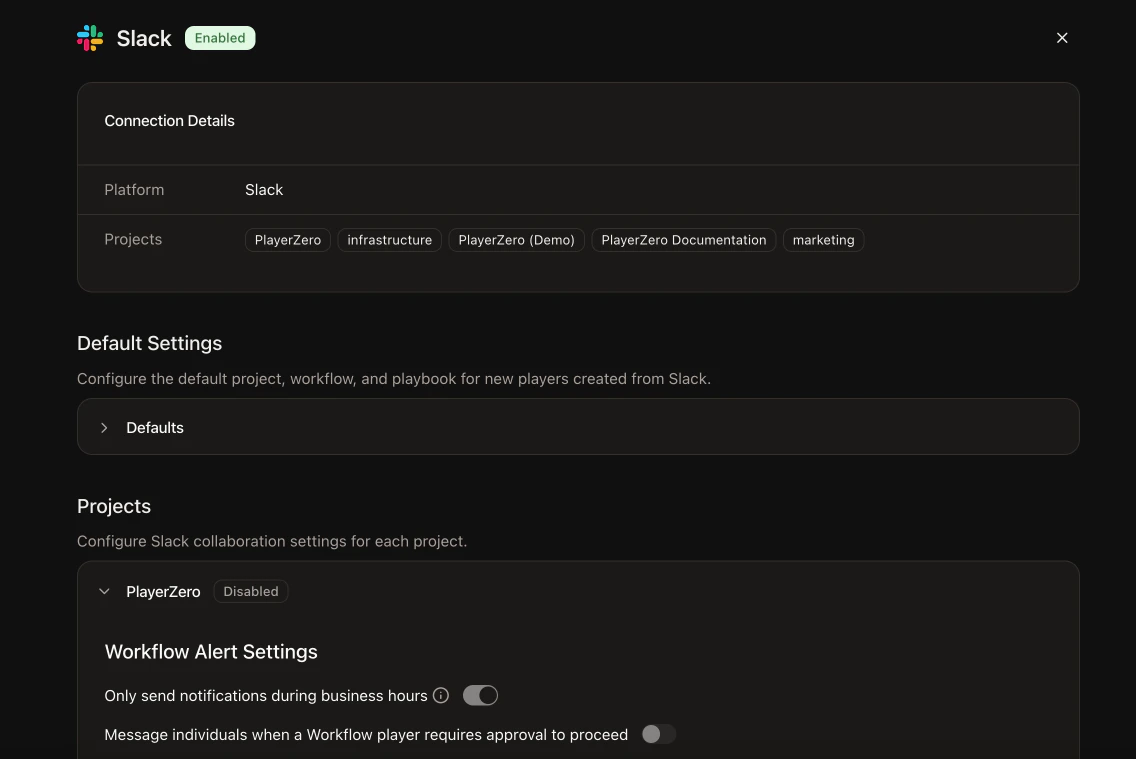
Workflow approval notifications are now configurable per project and per stage. Choose which Slack channel receives approval nudges, set per-stage overrides, and enable business hours delivery so notifications only arrive during working hours. The new Collaboration settings page replaces the previous Notifications page. Support and engineering leads can route approval requests precisely, reducing noise and ensuring the right people see the right notifications at the right time.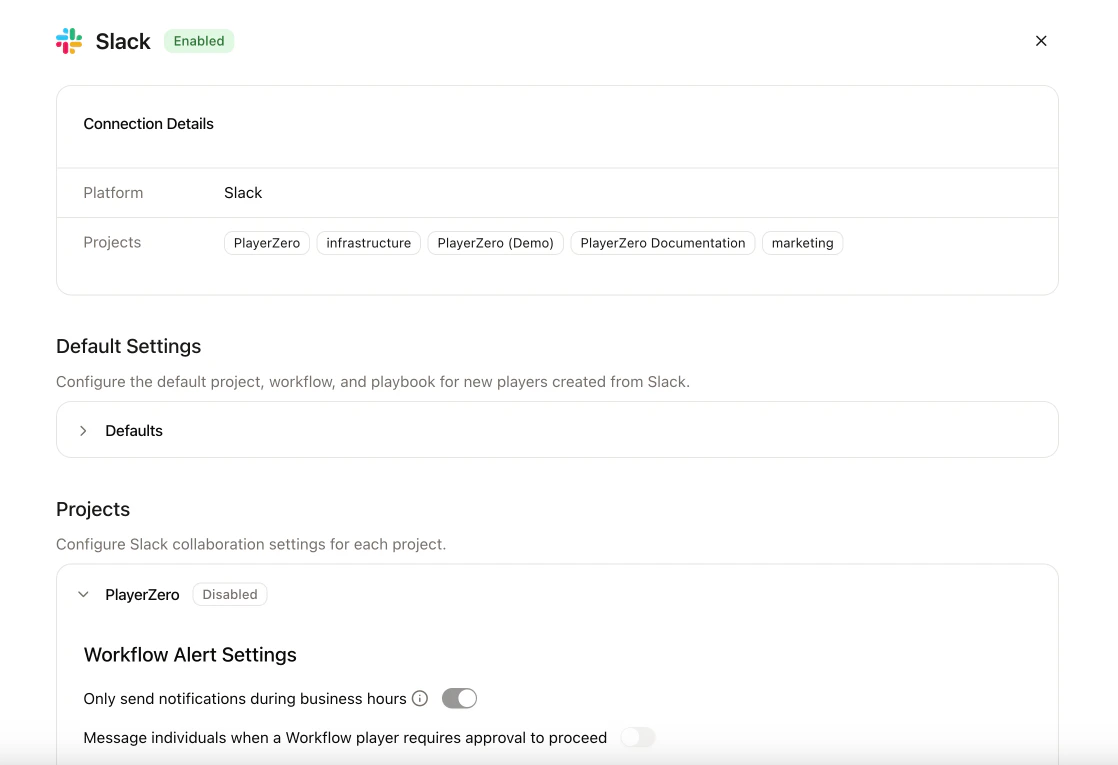
Enable Bulk Settings Management at the Organization Level
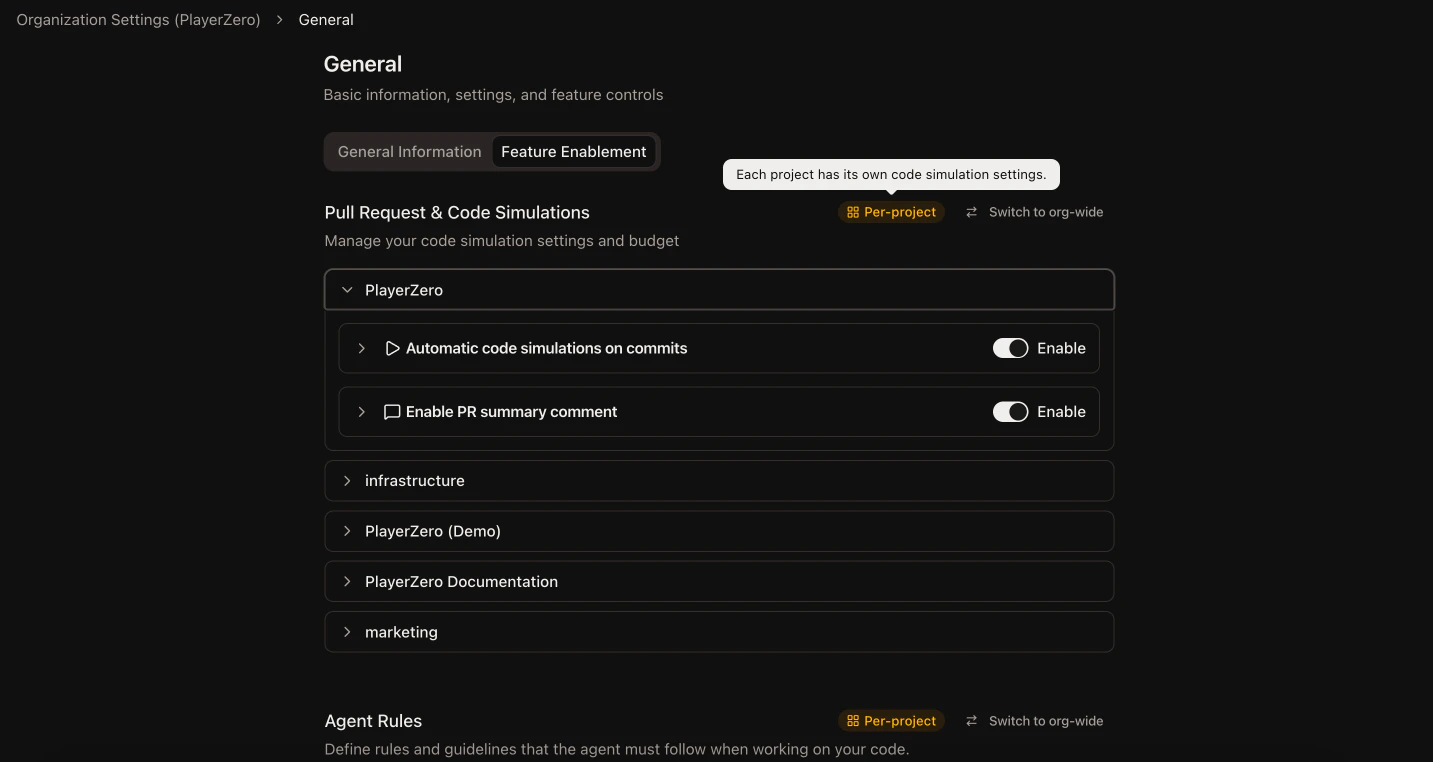
We rebuilt the settings experience to support org-wide configuration overrides. You can now manage features like code simulations and agent rules once at the org level instead of configuring each project individually. A new ⌘K search makes it easy to find any setting, and the navigation is reorganized into collapsible groups with clearer naming. Org admins spend less time on repetitive per-project setup. Teams with viewer roles now see clear read-only states instead of confusing disabled controls.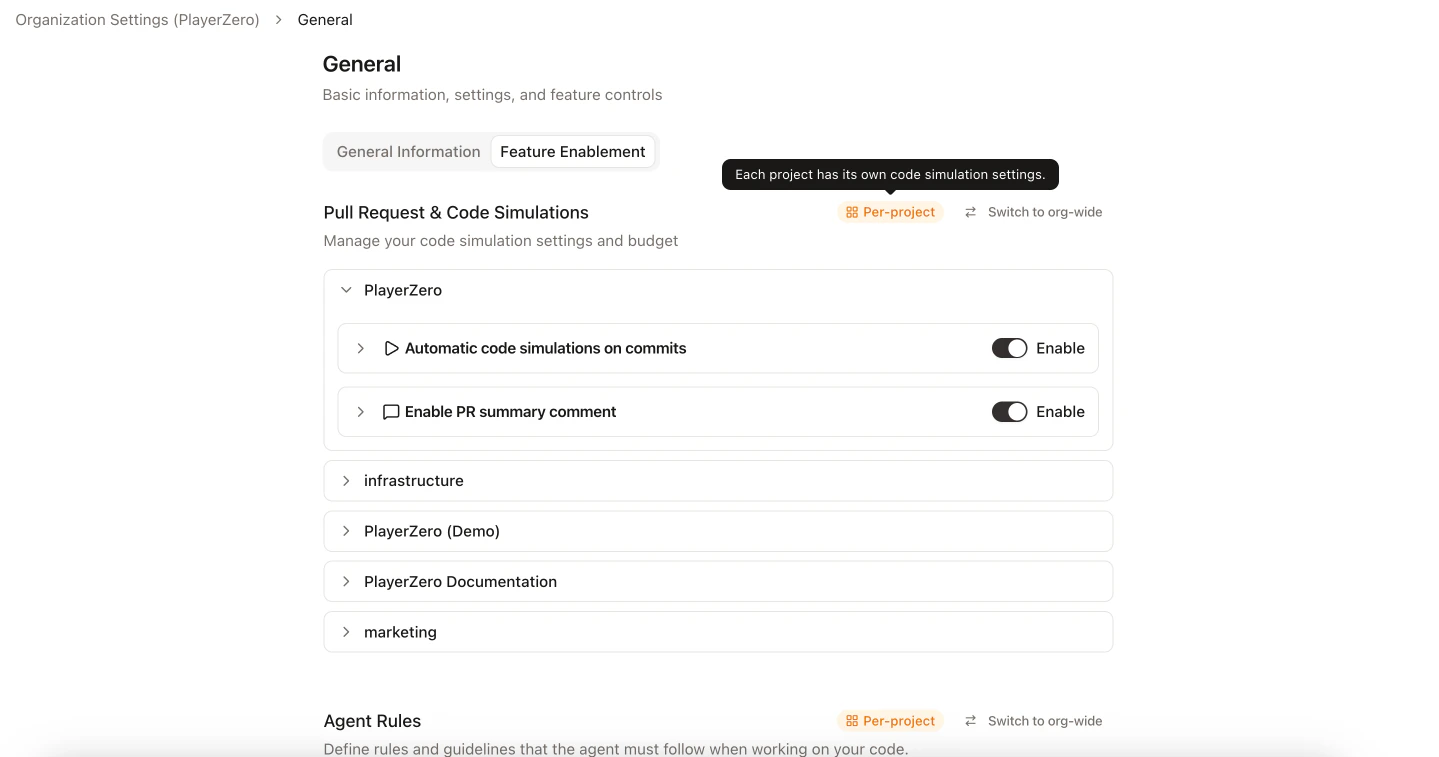
Automatically Detect and Re-Run Outdated Scenarios
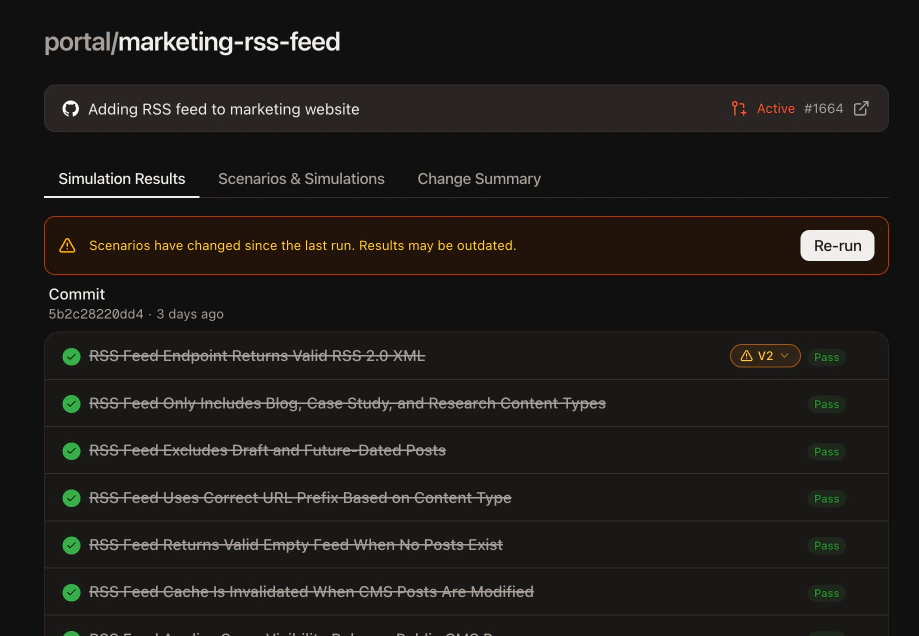
The branch review UI now detects when a scenario has been updated since its last simulation run. An inline warning surfaces the version mismatch with a one-click re-run button. Scenario editing is also now keyboard-driven: Enter to add steps, Backspace to remove empty ones. QA teams can quickly identify stale simulation results and re-run on the latest scenario version, eliminating wasted time reviewing outdated results.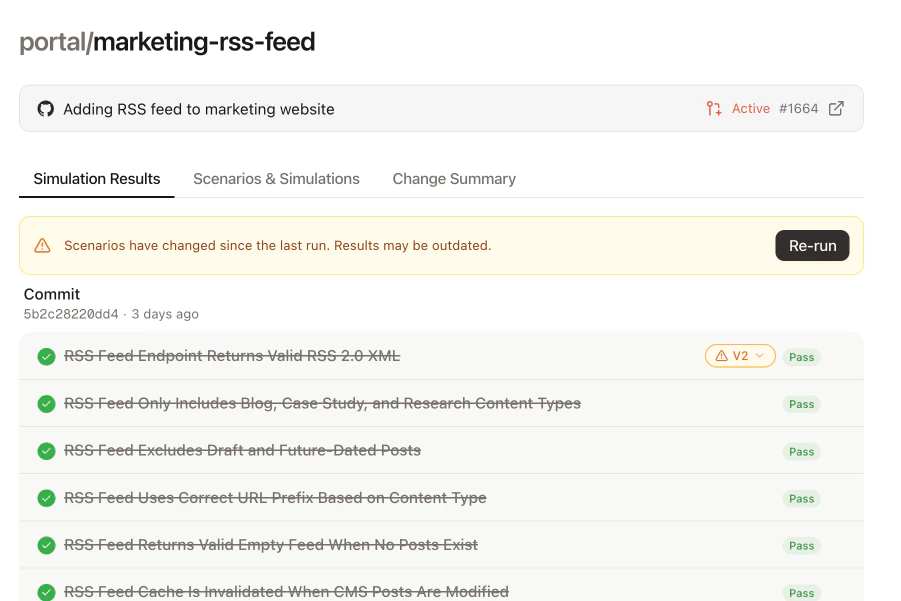
Manage Intercom Conversations from the Player
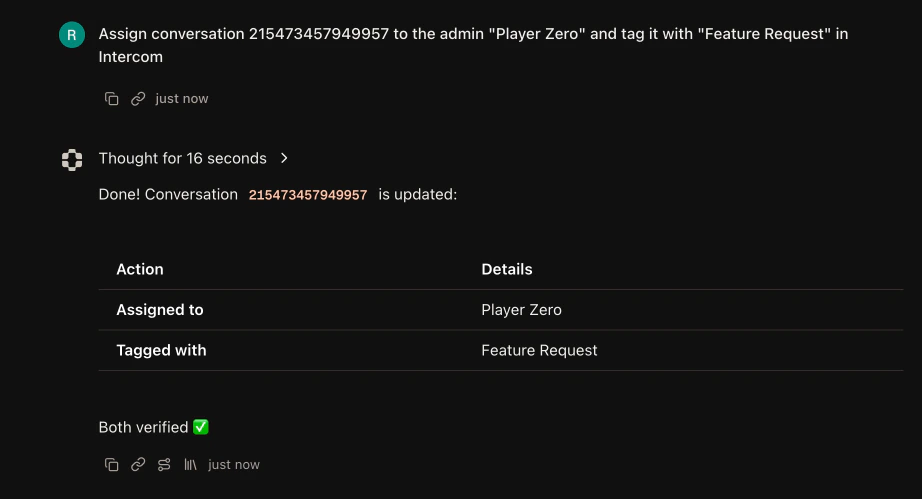
We added 15 new Intercom tools covering the full ticket and conversation lifecycle. The Player can now create and update tickets, close, open, snooze, and assign conversations, manage admins, and handle tags across contacts and conversations. Intercom webhooks can also automatically trigger Player creation for new tickets. Support teams manage their entire Intercom workflow without leaving the Player. Assigning, snoozing, tagging, and replying all happen in one place.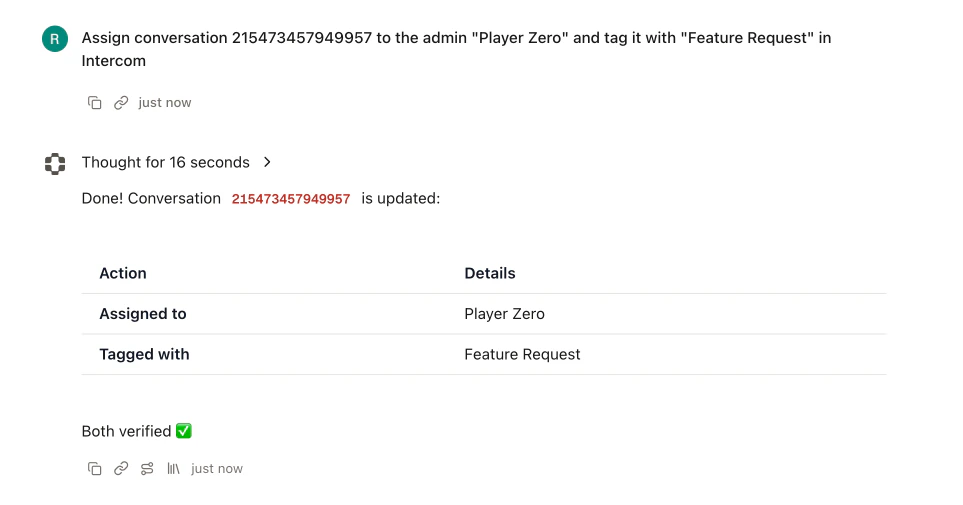
Post Private Comments on Jira Service Desk Tickets
The Player can now post role-restricted private comments on Jira Service Desk tickets. Internal analysis stays hidden from external customers, with a configurable visibility role that defaults to “Service Desk Team.” Support teams share investigation findings as internal notes on Service Desk tickets without risk of exposing them to end customers.Export Usage Analytics to CSV
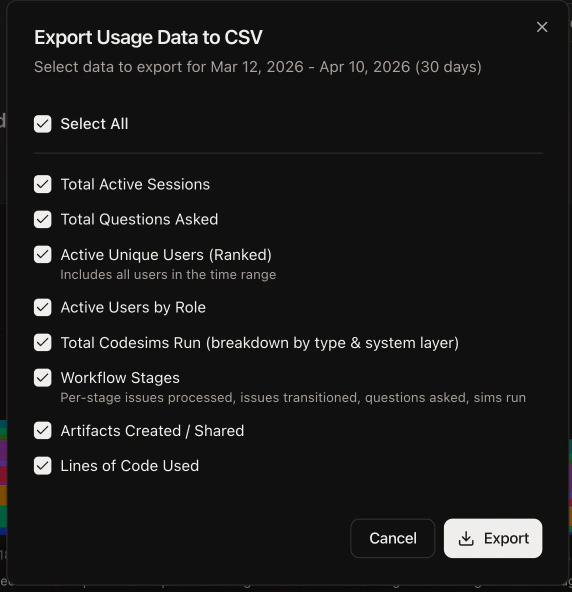
The analytics dashboard now supports CSV export with 8 selectable data sections including sessions, questions, user rankings, code simulations, workflow stages, artifacts, and lines of code. The Workflows table also gained a sortable “Type” column for organizing stages by role. Leadership and product managers can pull usage data for reporting without manual assembly. The improved table layout makes it easier to analyze workflow performance at a glance.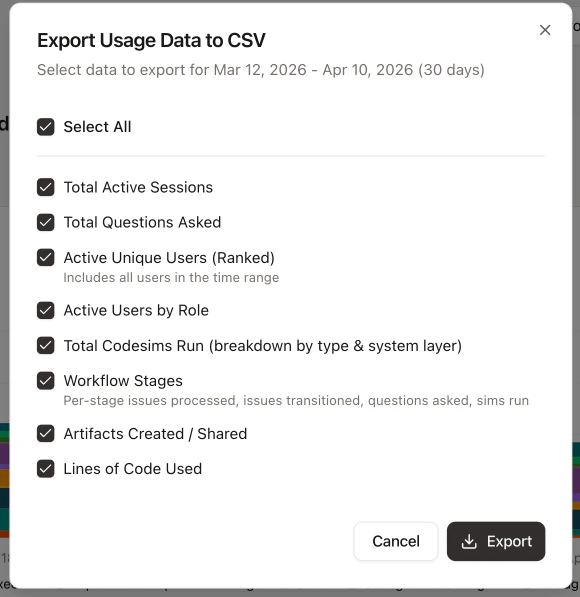
Playbooks: Categories, Versions, Usage Tracking, and Workflow Integration
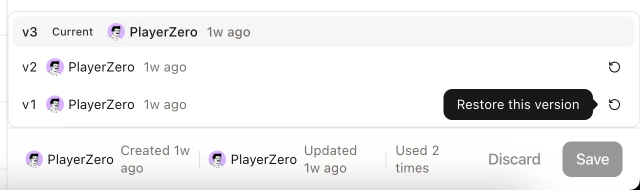
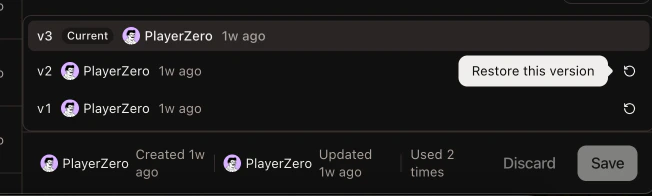
We shipped four Playbooks improvements this month. Organizations can now define custom categories, replacing the fixed default list. Usage tracking shows which playbooks are most and least used, with sorting options to match. Version history lets you view and restore previous versions of any playbook. And typing/ in a workflow stage instruction field inserts a playbook prompt directly.
Teams building standardized prompts can now organize by custom categories, track adoption across the org, recover past versions, and embed playbooks directly into workflow stage instructions for consistent agent behavior.