Documentation Index
Fetch the complete documentation index at: https://playerzero.ai/docs/llms.txt
Use this file to discover all available pages before exploring further.
Accelerate issue triage with the Workflow Inbox
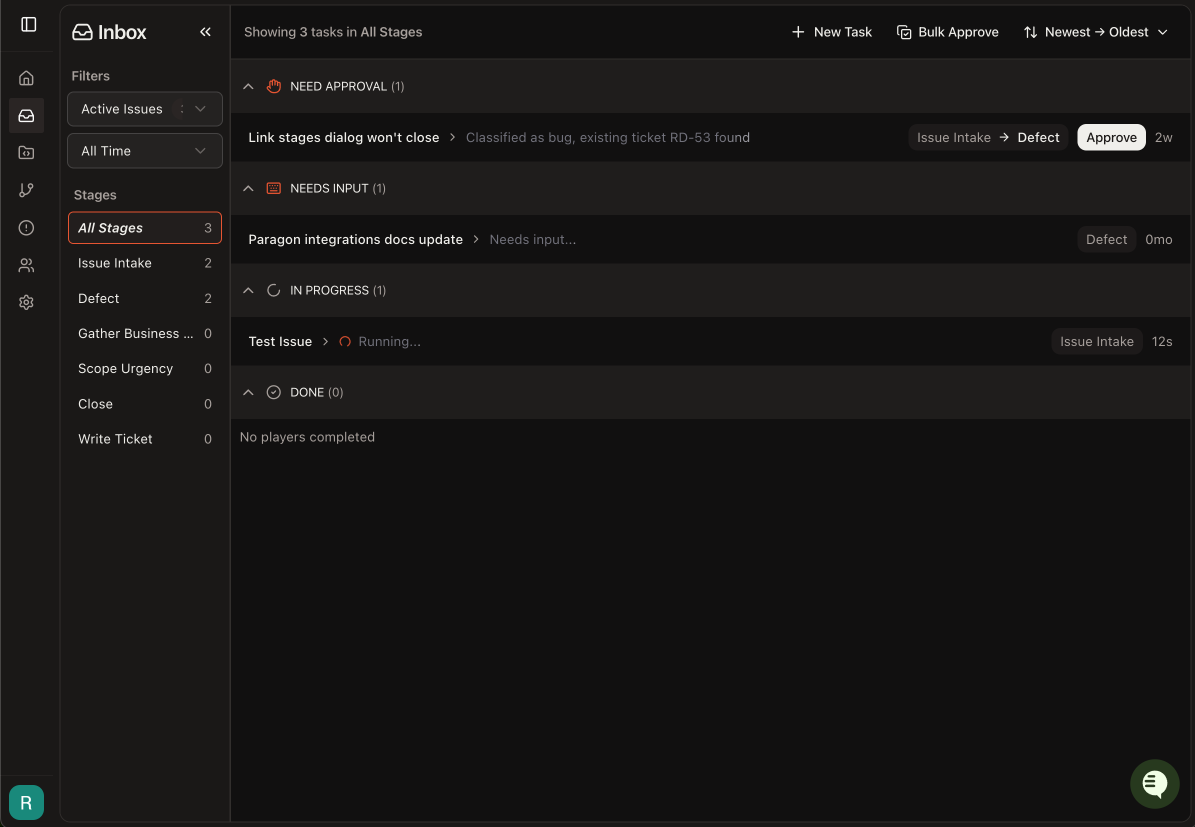
We added a dedicated workflow inbox view that organizes all active Players by workflow stage and approval status. Clicking a Player opens it in embedded mode which is optimized for inline review. Bulk approval allows you to select multiple Players and advance them in one action. Filtering to just “My Issues” allows you to focus on only those tickets where you have contributed or where your approval is needed. You get a single surface to review, approve, and advance investigations. What this means for your teams: A focused view of issues needing input and approval helps accelerate issues through the workflow.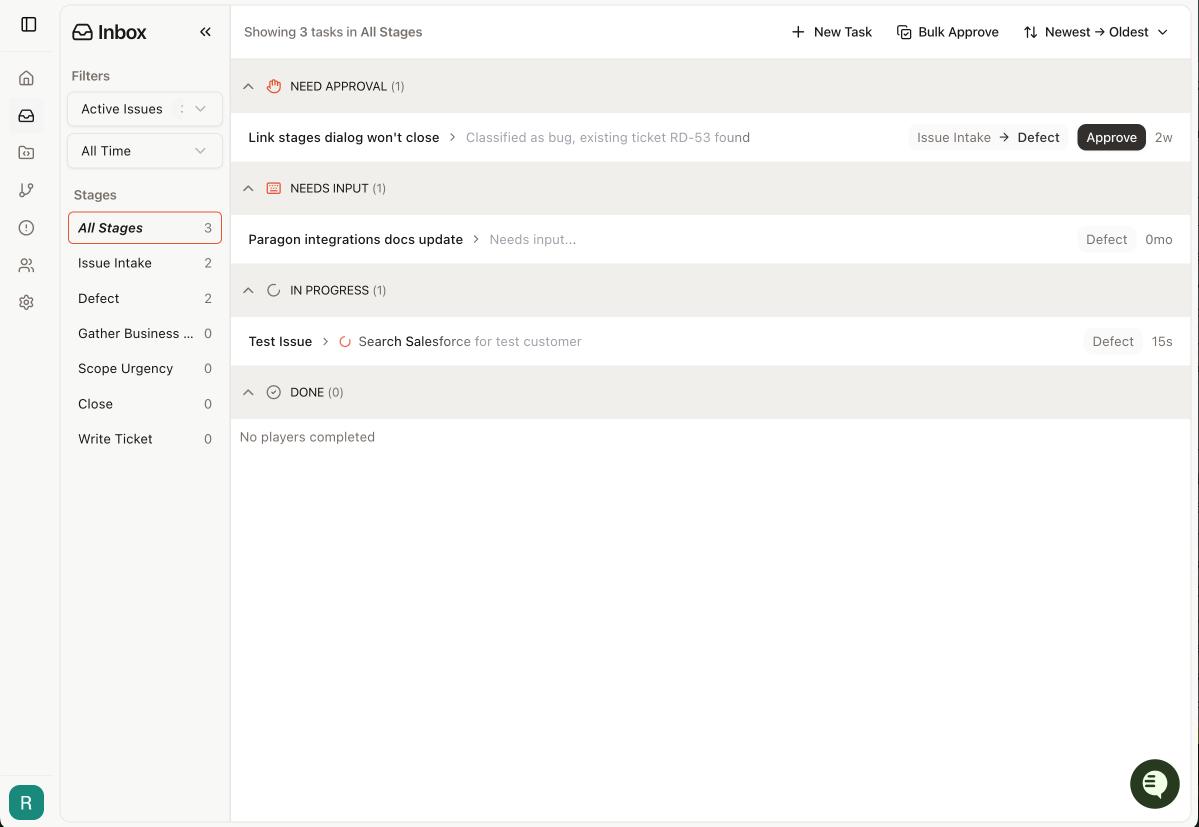
Track adoption with Usage Analytics
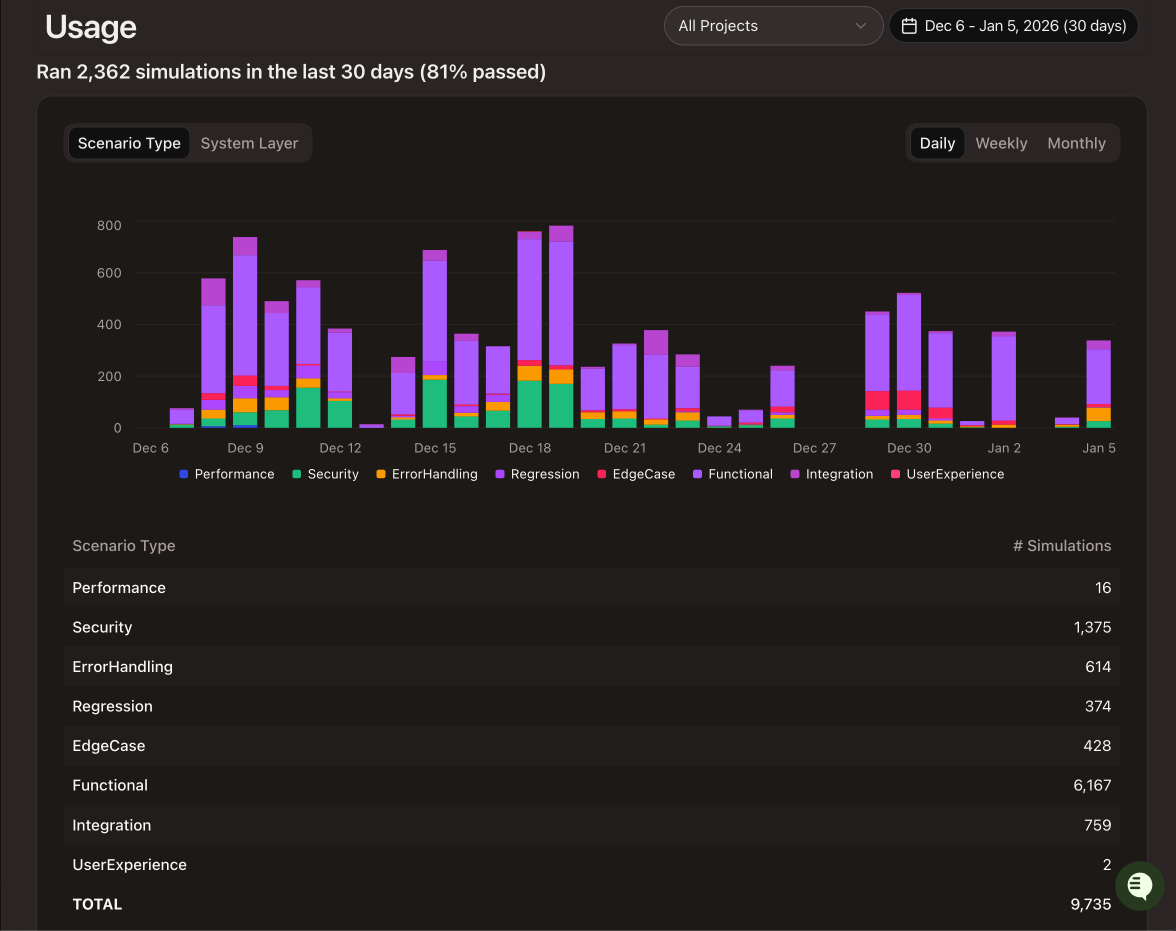
We introduced an organization-level usage analytics dashboard. You can now see detailed information about questions asked, simulations run, top contributors, and workflow activity. Questions asked can be segmented by origin and user. Simulations show pass rate alongside counts by scenario type. The usage analytics page is designed to help engineering managers and customer success managers target their team enablement efforts and also better understand and demonstrate platform ROI. What this means for your teams: Gain visibility into how your organization uses PlayerZero. Project-level breakdowns help identify which teams are benefiting the most and where adoption lags.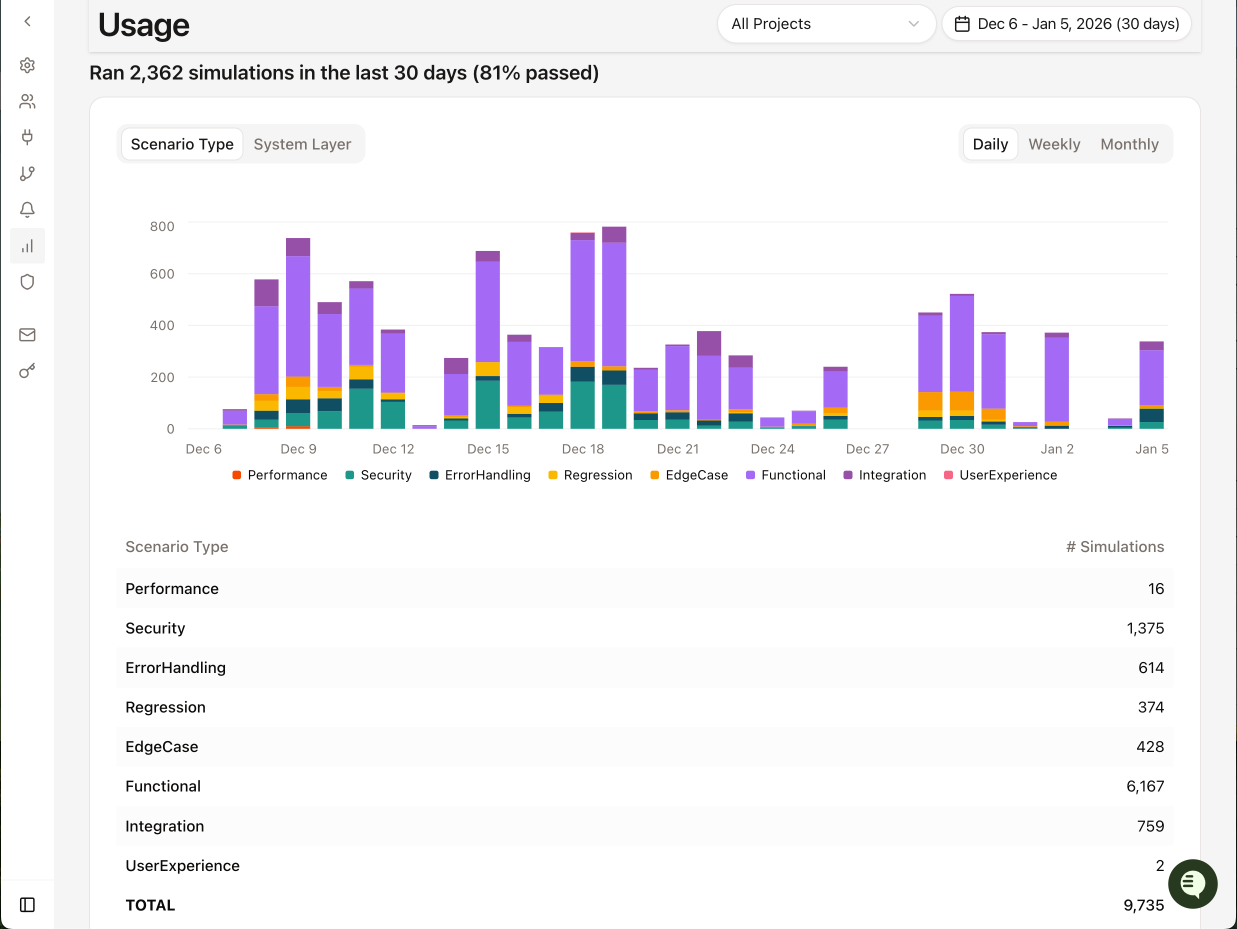
Post rich-formatted comments to Jira
We enabled Jira comments with full formatting — headings, code blocks, lists, and links — using Atlassian Document Format. PlayerZero-generated investigation summaries and structured analyses now render properly in Jira instead of appearing as plain text. What this means for your teams: A simpler integration of PlayerZero into existing Jira workflows with no copy-paste reformatting required.Multi-project UI support in the Chrome Extension
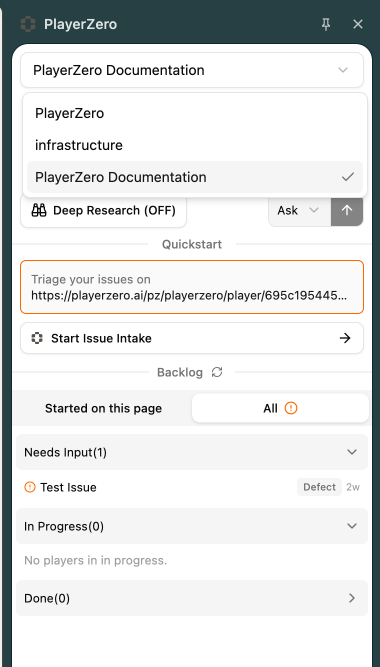
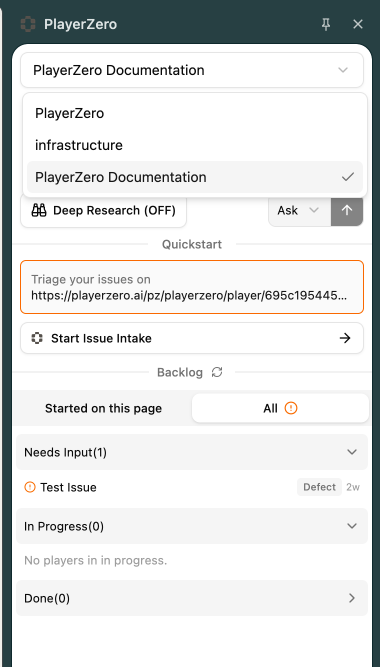
We added consistent multi-project support to the Chrome Extension. Support, Customer Success, and Engineering users can view which Project they are in and switch between projects seamlessly to ensure they always ask questions or initiate Workflow issues with the correct Project context. What this means for your teams: New Players are always created in the expected location - no more seemingly-‘lost’ Players due to misunderstanding which Project they were started in.