

Documentation Index
Fetch the complete documentation index at: https://playerzero.ai/docs/llms.txt
Use this file to discover all available pages before exploring further.
Create Dynamic Monitors to Trigger Automated Investigation (Early Access)
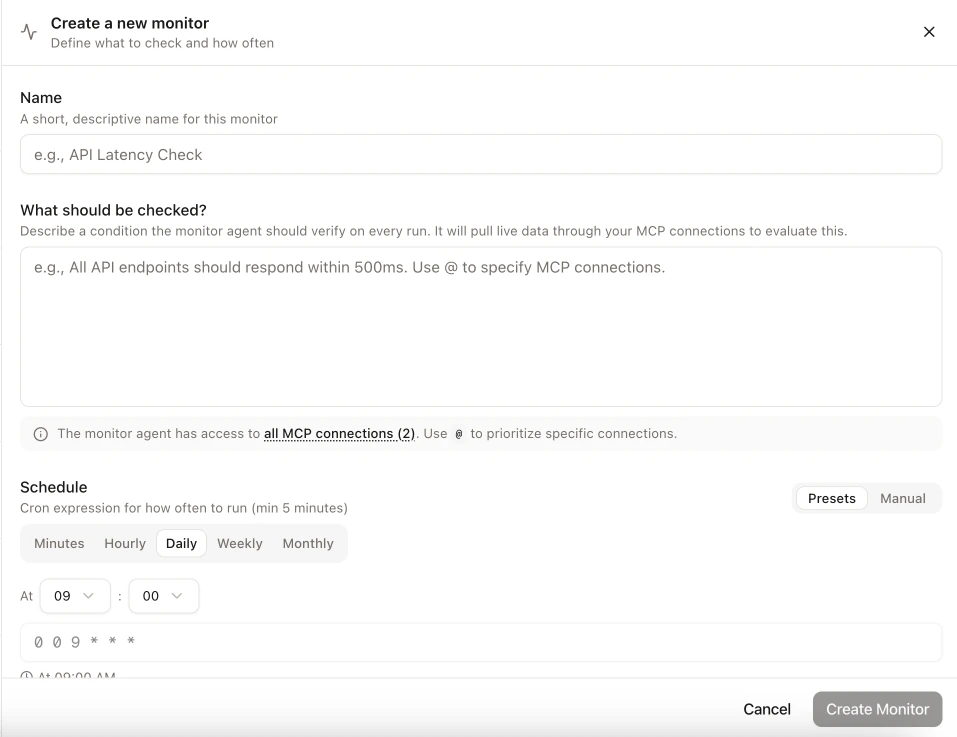
Monitors let engineering teams define conditions they care about — PlayerZero writes and runs the underlying queries automatically. Under the hood, it connects directly to your observability platform to evaluate each condition. When a monitor fires, it triggers a workflow and Slack notification, so the right people know immediately. They’re built for targeted, time-bound checks, not to replace your existing SLOs. You can now create monitors that continuously verify runtime invariants across any system connected via MCP. Write a plain-language rule like “API responses should never exceed 500ms” and PlayerZero does the work to discover which APIs to check, adapting with each run to track the full breadth of your system even as the code and telemetry change over time. When a monitor detects a violation, it can trigger a workflow Player that automatically investigates the failure with full context. Monitors turn passive observability into proactive investigation. Engineering and SRE teams define what “healthy” looks like in plain language, and PlayerZero handles discovery, evaluation, and escalation. There’s no query language to learn and no dashboards to configure. Set up a monitor in under a minute and let it evolve alongside your system.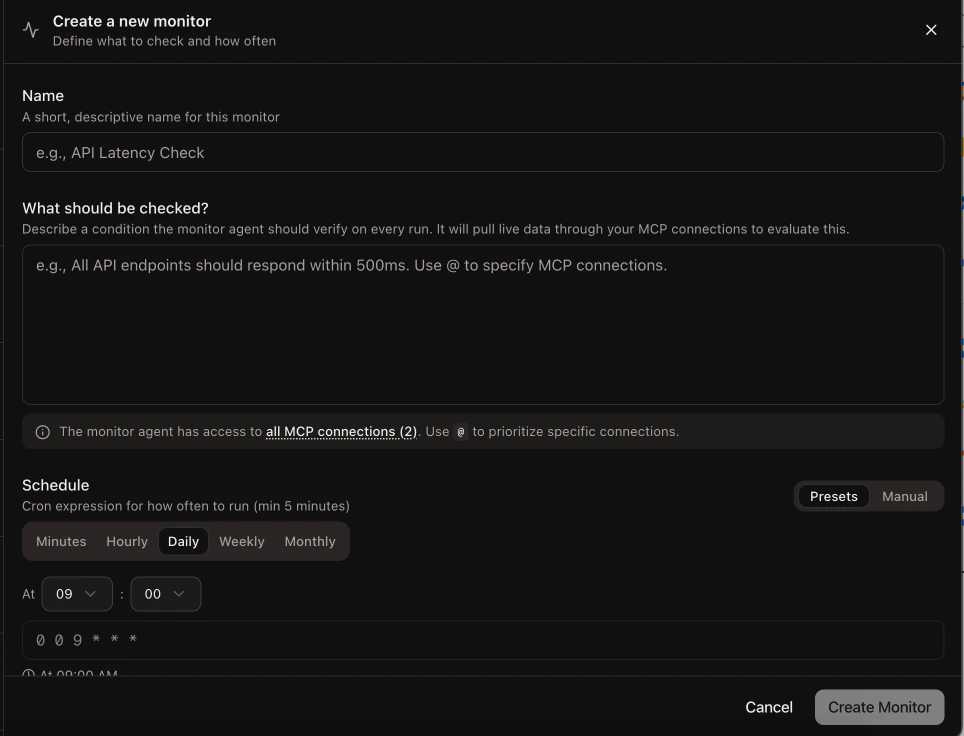
Generate Commit Messages with AI
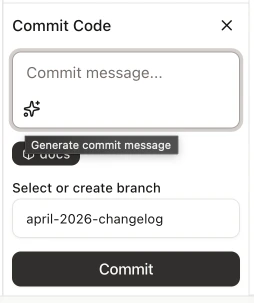
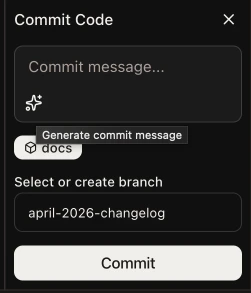
You can now generate commit messages directly from the player commit panel. Click the sparkle button next to the commit message field and the AI drafts a message based on your pending changes. Generation is powered by the playbook system, so you can customize the prompt by creating a playbook tagged withcommits.
Engineers committing code through PlayerZero save time on the repetitive task of writing commit messages. Teams that want consistent commit formatting can standardize it through a shared playbook.
MCP Connections Updates and GA
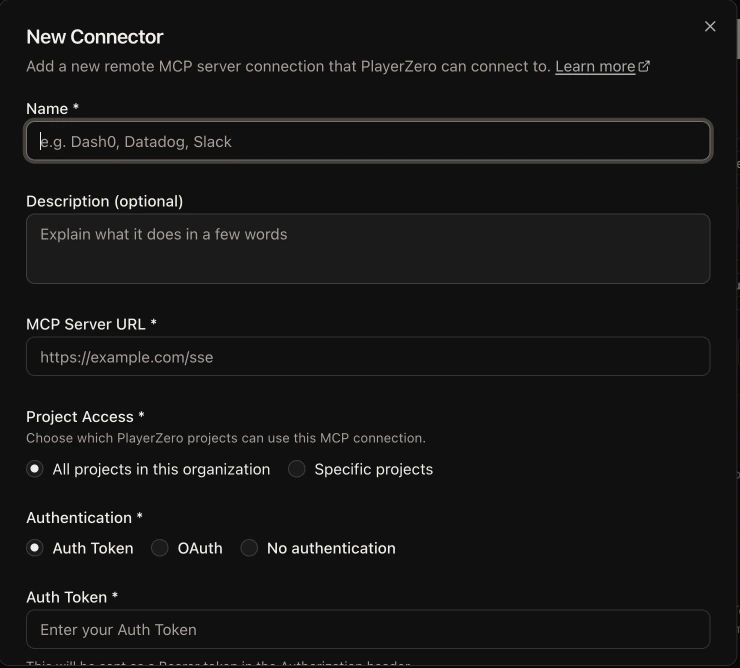
MCP connections can now be updated without deleting and recreating them. The editing experience is split into two focused dialogs: one for metadata like name, description, and project access, and one for authorization settings including server URL, auth method, and credentials. You can also configure custom OAuth scopes. The MCP feature flag has been removed and MCP is now generally available for all organizations.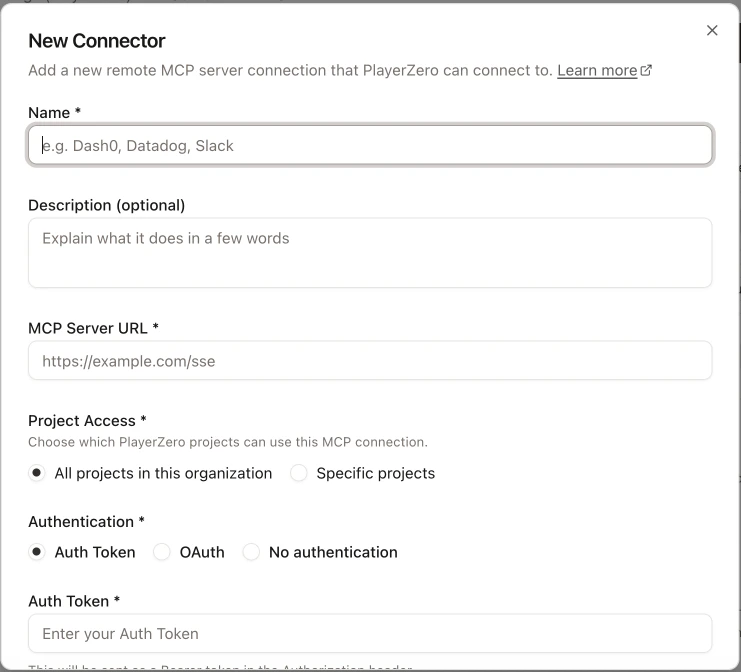
Manage Project Membership from Organization Settings
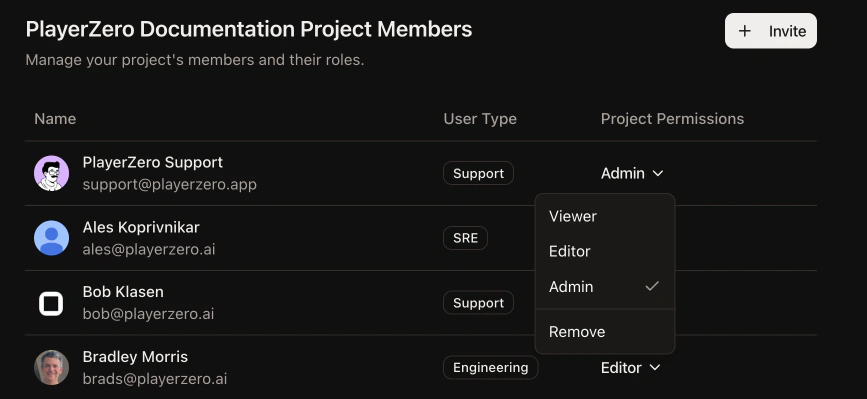
Organization owners can now assign members to projects directly from the org-level members page. A new dialog supports bulk project assignment with per-project role selection, so you can onboard a new team member to multiple projects in one step. Administrators managing larger organizations with multiple projects can now handle access in one place instead of navigating to each project individually. This is especially useful during onboarding or team restructuring.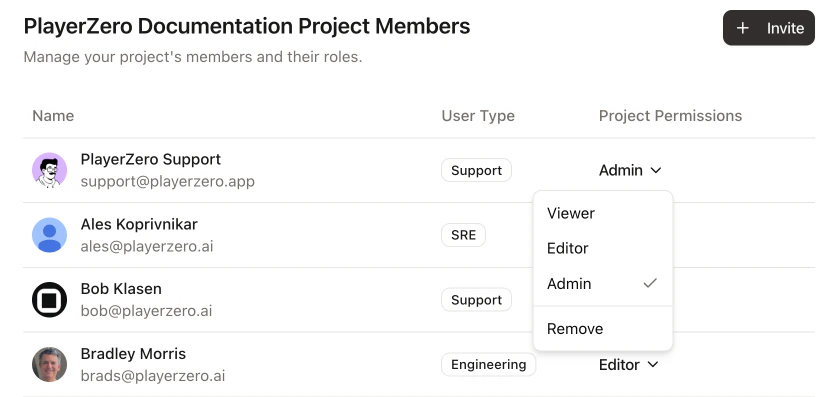
Discover Azure DevOps Custom Fields
AI agents can now discover available work item fields in your Azure DevOps organization, including custom fields, before attempting to set values. The agent queries your ADO instance for field metadata like name, reference name, type, and read-only status. Teams using Azure DevOps with custom field configurations will see fewer errors when agents create or update work items. The discovery step means agents can adapt to your specific ADO setup without manual configuration.Simplify Playbook Display in Chat
Playbook-powered messages now display a clean “Ran [Playbook Name]” label instead of rendering the full prompt text inline, which could be difficult to read in longer conversations. You can hover the label for a quick preview or click to open the full playbook content in a dialog. The copy button strips internal formatting so you always get clean, readable text. Chat threads stay focused on the conversation instead of being interrupted by long prompt blocks. Teams iterating on playbooks can still inspect exactly what the AI received with one click, without the prompt dominating the message history.![User message in the player chat showing the compact Ran [Playbook Name] label with the tooltip preview visible on hover](https://mintcdn.com/player-zero/YjvZp4uVRbZZqIfh/images/changelog/playbook-summary-light.png?fit=max&auto=format&n=YjvZp4uVRbZZqIfh&q=85&s=0fe82fb2dc5dd06ea88b20fa127306ec)
![User message in the player chat showing the compact Ran [Playbook Name] label with the tooltip preview visible on hover](https://mintcdn.com/player-zero/YjvZp4uVRbZZqIfh/images/changelog/playbook-summary-dark.png?fit=max&auto=format&n=YjvZp4uVRbZZqIfh&q=85&s=6a494046a7779ba92ae468502aa6dfdc)